

Effective machine shop website design helps an industrial buyer decide whether a shop deserves a technical conversation. A machine list may attract attention, but it does not complete the decision. Buyers still need understandable capabilities, trustworthy evidence, clear boundaries, and a practical route to the right RFQ.
The website must serve different levels of readiness. One visitor has a drawing and known requirements. Another needs to discuss process fit, missing information, or confidentiality before sharing files. The strongest site does not force both into the same generic contact form; it prepares each person for a useful human review.
All illustrations in this article, including the featured image, are AI-generated. They are conceptual and do not depict any real facility, equipment, part, customer, certification, or result.
Key takeaway
A machine shop website should help buyers confirm capabilities, limits, evidence, and file-handling expectations before asking for a quote. The RFQ path can organize information and routing, but feasibility and commercial judgment remain under human supervision.
What should a buyer be able to decide?
Before involving engineering or procurement, a buyer should be able to answer three questions: does this shop appear relevant, is the supporting information credible, and what should I do next? Thomasnet’s published review of CNC machine shop websites emphasizes detailed capabilities, clear navigation, and visible calls to action.[3]
That observation is not a layout to copy. It points to a decision principle: every important page should remove a useful uncertainty. The website should describe what the shop can assess, show only approved proof, explain what information is needed, and set an honest expectation for the next step.
The 9 elements of effective machine shop website design
1. A value proposition that identifies the right project
The opening message should state the primary type of work, the buyer context, and the next action. “Your trusted manufacturing partner” is too broad to help someone judge fit. A useful statement points to the core process or service, the kinds of problems the shop evaluates, and whether the next step is to review a capability, discuss a project, or submit an RFQ.
Keep this language tied to the shop’s approved scope. Do not add a material, tolerance, industry, machine capability, or turnaround promise simply because it appears persuasive. Every technical statement needs an internal owner who can validate it and keep it current.
2. Capability pages organized around buyer decisions
A machine inventory is not a complete capability story. Structure pages around process options, materials actually handled, relevant part characteristics, production stages, supporting operations, constraints that require review, and the information needed to evaluate feasibility.
Any numeric specification must come from validated shop data rather than a generic content template. When a limit changes with material, geometry, equipment, inspection needs, or production conditions, state that qualification or invite the buyer to confirm it during review. Precision builds trust only when it is accurate.
3. Applications and work examples that prove without oversharing
Help buyers connect a capability to a real manufacturing problem. Publish part families, applications, challenges, or work examples only when disclosure is authorized. A useful example gives enough context to understand the problem and general approach without revealing protected drawings, customer data, or unverifiable outcomes.
AUTOM7’s review of manufacturing website examples shows how public pages can support a decision without requiring every detail on the homepage. Real photographs, inspection documents, diagrams, and results should be captioned accurately. AI-generated artwork must never be presented as evidence of a facility, workforce, equipment, or completed project.
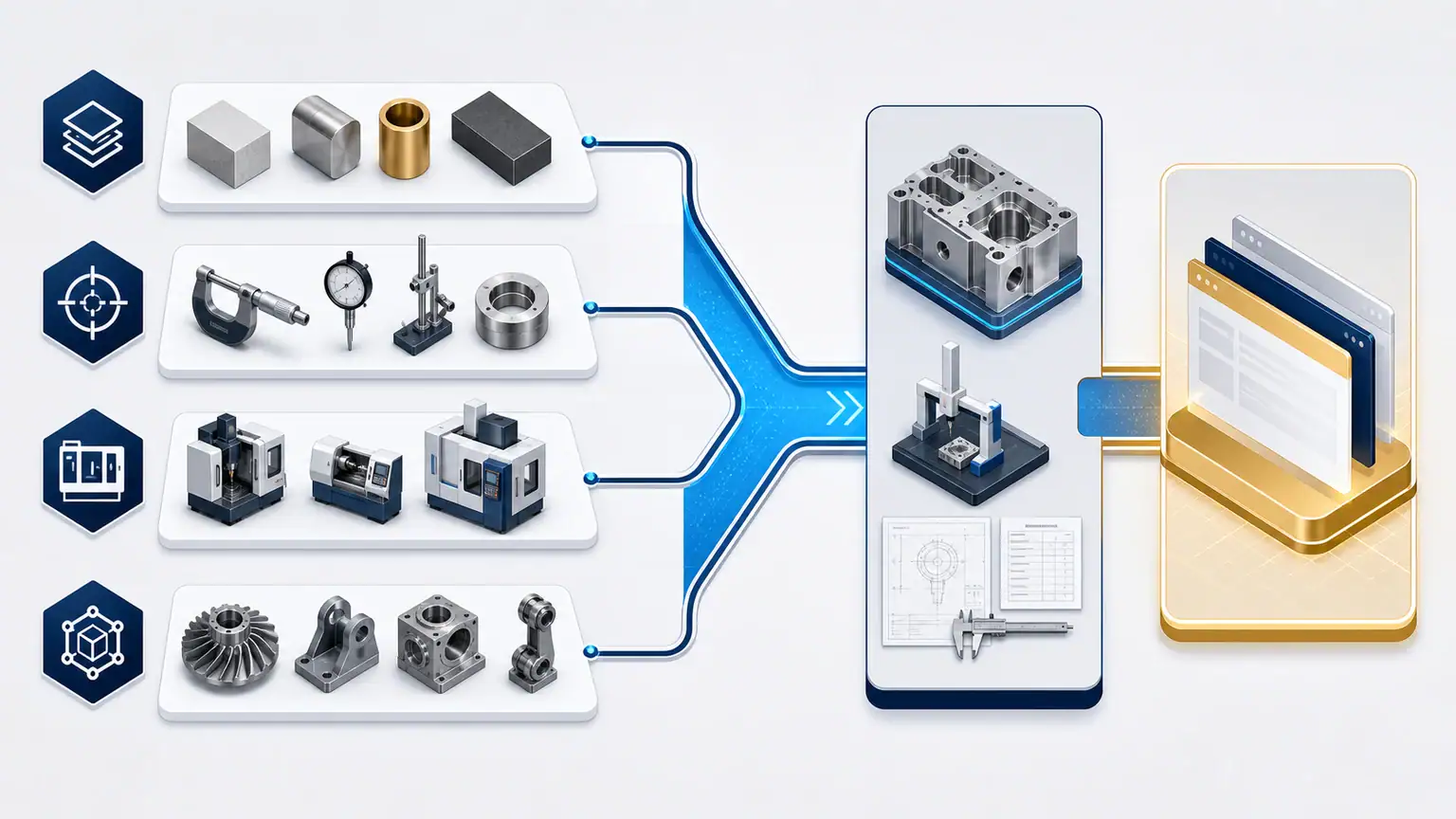
4. Verifiable trust signals with enough context
A certification logo alone does not explain the covered entity, scope, or current validity. Publish certifications, quality processes, inspection resources, memberships, figures, and references only when the business can document them. Add the context a buyer needs and assign responsibility for review.
Trust also comes from quieter details: consistent business information, a clearly identified team or contact, accessible privacy information, an explanation of file handling, and a visible difference between documentary photography and conceptual media. Never invent a customer, success rate, production claim, or delivery promise.
5. Two quote paths for two levels of readiness
A buyer with a ready drawing has different needs from a team that is still defining process fit, finish, volume, missing data, or confidentiality requirements. Give the first group a structured RFQ path. Give the second a way to request a scoping conversation without pretending they can complete a technical submission.
The two paths may use separate forms or one progressive flow, but the expectation must be explicit. Do not promise an instant quote when human review is required. Acknowledgment, assignment, and reminders can be organized automatically; technical feasibility, risk, and quote decisions stay with qualified people.
6. An RFQ form that collects useful information without becoming a barrier
Request only what prepares the next action: professional contact details, company, project context, desired timing, quantity or production context, known materials and requirements, and useful files when the upload channel is secure and approved. State accepted file types, size limits, data use, and the process for raising confidentiality needs.
Provide a route for buyers who do not yet know every answer. Required fields should reflect the real minimum for triage. A form that is too vague creates inquiries the team cannot assess. A long technical interrogation drives away viable projects that first need a short discussion.
7. A content architecture connecting capabilities, industries, and questions
Google recommends a logical site structure and descriptive links that help people and search systems understand important pages.[1] In machine shop website design, this means avoiding isolated pages. A capability page should lead to approved applications, related evidence, relevant questions, and the right inquiry path.
Search content should answer real buyer questions rather than repeat a keyword. Subject experts can review pages about preparing an RFQ, comparing process considerations, or understanding common constraints. AUTOM7’s guide to lead generation for manufacturers explains how those discovery paths can support a qualified commercial pipeline without turning traffic into a guaranteed result.
8. A usable, accessible mobile experience
Buyers may first view a technical page on a phone and return later on a desktop. Tables, forms, documents, galleries, and buttons must remain usable on common screen sizes. Test keyboard navigation, contrast, text alternatives, field labels, focus states, and error messages as part of the build.
W3C organizes WCAG around content being perceivable, operable, understandable, and robust.[2] A project can set an accessibility objective and test method, but it should not claim legal compliance before an appropriate audit. For broader planning, AUTOM7’s manufacturing website design and SEO guide connects usability, content, search, and buyer journeys.
9. Ownership and measurement after launch
Capability data, documents, certifications, images, forms, and translations become unreliable when nobody owns them. Assign each information family to a responsible person, record its internal source, and set a review cadence that reflects the risk of it becoming obsolete.
Measure what the website can actually reveal: inquiries received, information completeness, journey source, form errors, pages viewed before contact, and sales handling. These signals can prioritize improvements. They do not prove lead quality, revenue attribution, or business impact on their own.
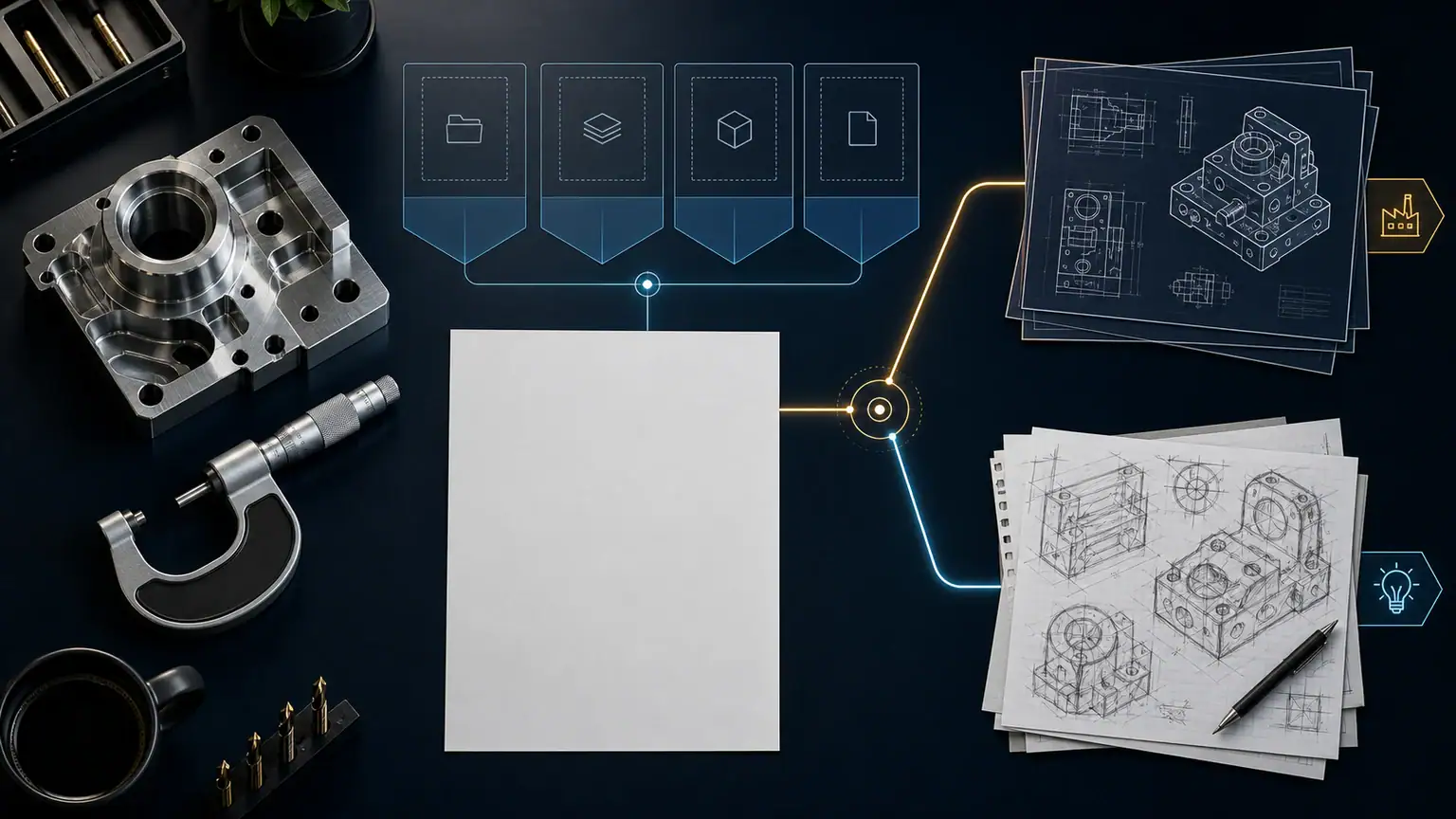
A minimum scorecard for comparing proposals
| Area | Buyer question | Evidence to request in the proposal |
|---|---|---|
| Capabilities | How will buyers assess potential fit? | Page model, data source, and approval owner |
| Proof | What will be real, authorized, and maintained? | Asset inventory, usage rights, and review rule |
| RFQ | How does an inquiry become usable? | Journey, fields, security, routing, and tests |
| Content and SEO | How will important pages be discovered and connected? | Site structure, editorial plan, links, and migration scope |
| Operations | Who keeps the website dependable? | Roles, backups, maintenance, and data review |
Ask each provider to identify what is included, what depends on your team, and what is out of scope. A polished proposal that is silent about content production, approvals, migration, testing, or RFQ handling is not yet comparable with a complete engagement.
Mistakes that weaken RFQ quality
- Putting every capability on one page without explaining conditions or fit.
- Publishing limits, tolerances, or turnaround claims without an approved source.
- Using generic imagery as though it documents the real shop.
- Displaying certifications without scope, context, or validity ownership.
- Sending every visitor to one vague contact form.
- Requesting technical files without explaining security and data handling.
- Publishing search content without subject-matter review.
- Ignoring mobile use, accessibility, documents, and form errors.
- Launching without content ownership and post-launch verification.
What to validate before signing with a provider
- Priority audiences, capabilities, and RFQ journeys are explicitly defined.
- Every technical statement and proof point has a source and approver.
- Content, photography, rights, translations, and documents have owners.
- File upload and confidentiality requirements are scoped before development.
- Testing covers forms, mobile use, accessibility, links, documents, and analytics.
- The plan addresses search, any required migration, measurement, and maintenance.
- The proposal separates inclusions, dependencies, options, and exclusions.
Frequently asked questions
Which pages should a machine shop prioritize?
Start with the capabilities the shop actively sells, approved applications or industries, verifiable proof, company information, and two inquiry routes: a quote-ready project and a need that still requires scoping.
Should every machine be listed?
Not necessarily. Equipment details are useful when they help a buyer understand a capability. Publish only validated information and connect it to the processes, parts, or constraints it helps the shop evaluate.
What should a machining RFQ form ask?
Collect project context, professional contact details, anticipated quantity or production context, known materials and requirements, desired timing, and useful files. Keep a simpler route for buyers who still have missing information.
Can RFQ qualification be automated?
Collection, acknowledgment, assignment, and reminders can be structured. Feasibility, confidentiality, technical risk, and the decision to quote must remain under human supervision.
How should two website proposals be compared?
Compare the same scope: strategy, content, capability pages, proof, forms, security, SEO, migration, testing, maintenance, and ownership. Price alone does not reveal work and risk left to your team.
Review your website before deciding what to improve
Start with a free assessment of the visible obstacles in your website and enquiry journey.
For businesses with 5 to 40 employees. Free, with no obligation.