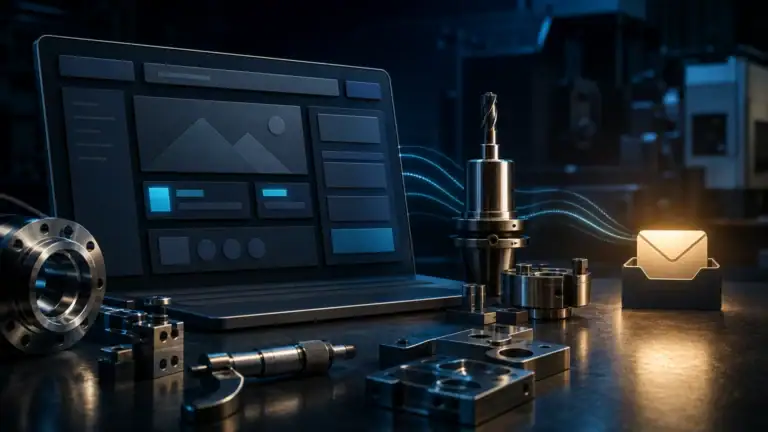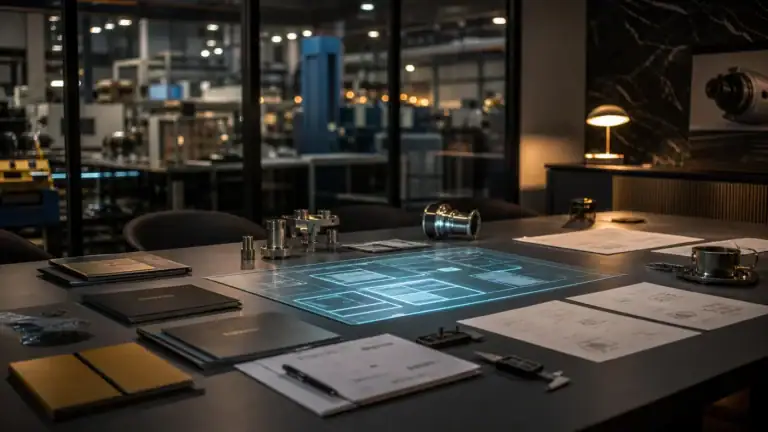

A manufacturing CRM is not merely a contact database. For a small manufacturer, it should turn an incoming inquiry into a qualified opportunity, a properly followed quote, a reliable handoff to operations, and a durable customer relationship—without replacing the ERP or adding a layer of administrative work.
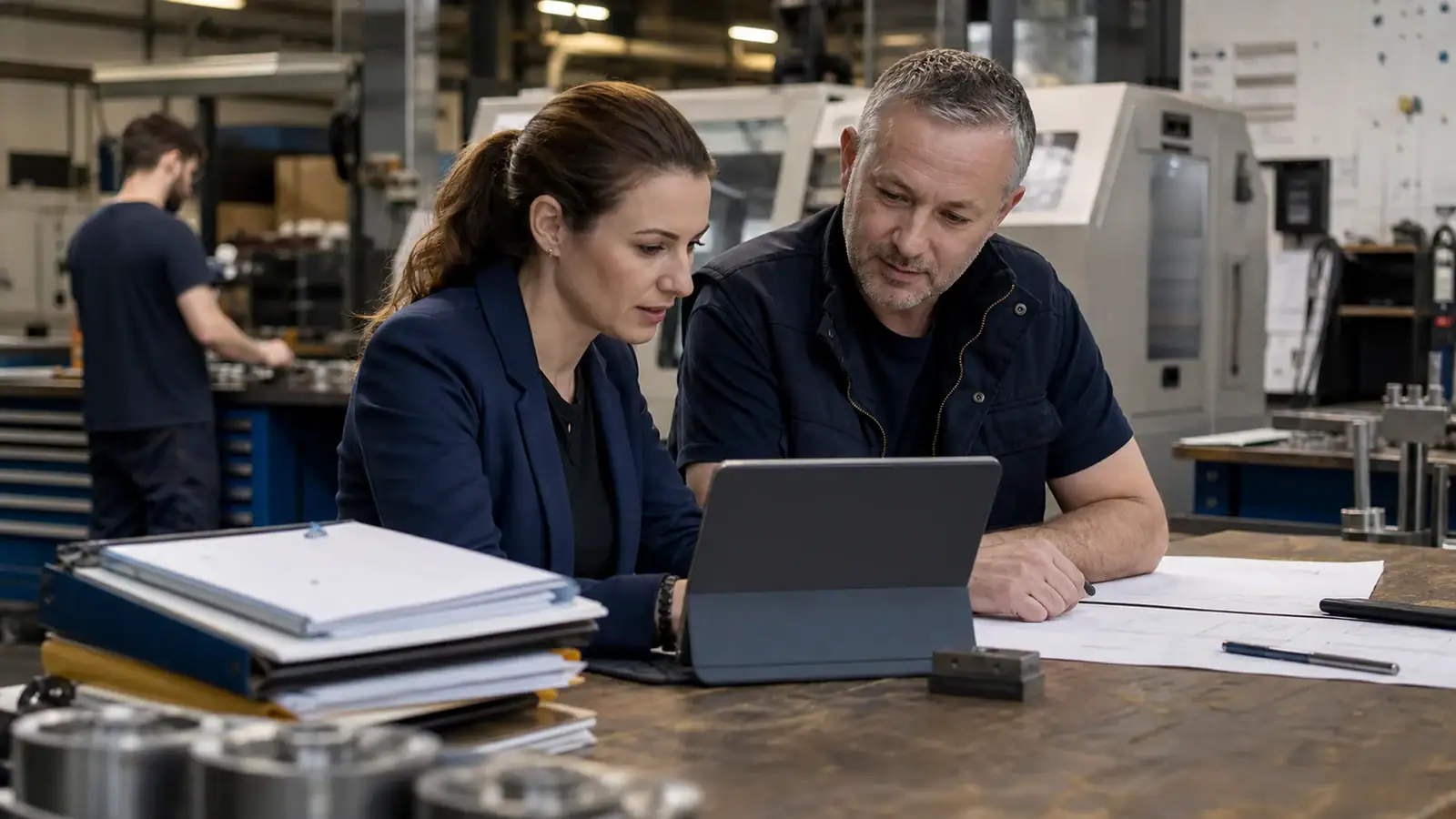
The illustrations in this article were generated with AI for AUTOM7 and are presented for illustrative purposes.
Key takeaway
A manufacturing CRM should protect a defined journey—from inquiry and qualification to quote, follow-up, and operational handoff—while the ERP remains the operational system of record; selective integration, clear ownership, and clean data matter more than a long feature list.
- Start with the process you need to protect: inquiry, qualification, quote, follow-up, and handoff.
- The CRM owns customer context and commercial follow-up; the ERP remains the operational system of record.
- Integrate selectively. Moving the right data is more valuable than connecting everything.
- Clear ownership, clean data, and a simple operating rhythm matter more than a long feature list.
Why a generic contact database is not enough for manufacturing
A manufacturing inquiry may include drawings, materials, quantities, tolerances, deadlines, multiple sites, and several stakeholders. When that context remains split across inboxes, spreadsheets, and individual memory, the main loss is continuity: a quote is followed up too late, an attachment is missing, or operations receive an incomplete brief.
The right CRM does not pretend to run the shop floor. It provides a shared view of the commercial journey: who is asking for what, for which project, at what stage, with which next action and priority. That operating layer complements a lead generation system for manufacturers. Attracting an inquiry only matters when the business can qualify and progress it consistently.
CRM vs. ERP: keep the boundary clear
Microsoft’s manufacturing sales reference architecture links opportunity, quote, and order processes to operational data without collapsing every responsibility into one application. Salesforce likewise positions manufacturing CRM around customer and commercial visibility connected to operations. The practical goal is not a mythical single system; it is a dependable handoff.
| Need | CRM | ERP / operational system |
|---|---|---|
| Accounts, contacts, sites, relationship history | Commercial system of record | Receives only useful data |
| Inquiry, opportunity, follow-up, next activity | Owns the process | Usually secondary before an order |
| Quote | Tracks status, stakeholders, and next action | May calculate or record technical and financial details |
| Order, inventory, planning, production | Reads a summarized status | Operational system of record |
| After-sales and account development | Preserves customer context | Preserves required operational events |
Seven minimum requirements for a manufacturing CRM
1. An account model that reflects B2B reality
The record should distinguish company, group, facility, contacts, roles, and projects. A buyer, engineer, and executive sponsor do not need the same information or communication.
2. An RFQ and quote pipeline with observable stages
Avoid vague labels such as “in progress.” Use stages that an employee can verify: inquiry received, information missing, feasibility review, quote in preparation, quote sent, follow-up scheduled, won, lost, or deferred.
3. A mandatory next action
Every open opportunity should have an owner and a dated next step. The CRM then becomes a management tool rather than an archive that gets updated after the fact.
4. Traceable drawings and technical references
The CRM may point to drawings, specifications, and project folders, but it should not create an uncontrolled extra copy of every file. Define the authoritative storage location and the people allowed to access it.
5. Clean capture from the website and email
Forms, email, and manual entry should converge on the same process. A strong machine shop website can qualify inquiries before they reach sales, but the CRM still needs to deduplicate, assign, and trigger the right follow-up.
6. Permissions and data hygiene
Define who can view, edit, export, and delete information. Collect only the fields the process actually uses, and make suppression or opt-out rules operational in lists and automations rather than leaving them in a policy document.
7. Metrics tied to decisions
A useful dashboard does not attempt to measure everything. It answers a few operational questions: which inquiries still need qualification? which quotes have no next step? where do opportunities stall? which sources generate workable requests rather than raw form submissions?
How to connect CRM, website, and ERP without overengineering
Begin with one main flow. For example: a qualified website form creates or updates the account, assigns the opportunity, schedules follow-up, references the quote or order, and returns a summarized status to the CRM. Every sync should have an owner, a cadence, and an explicit failure path.
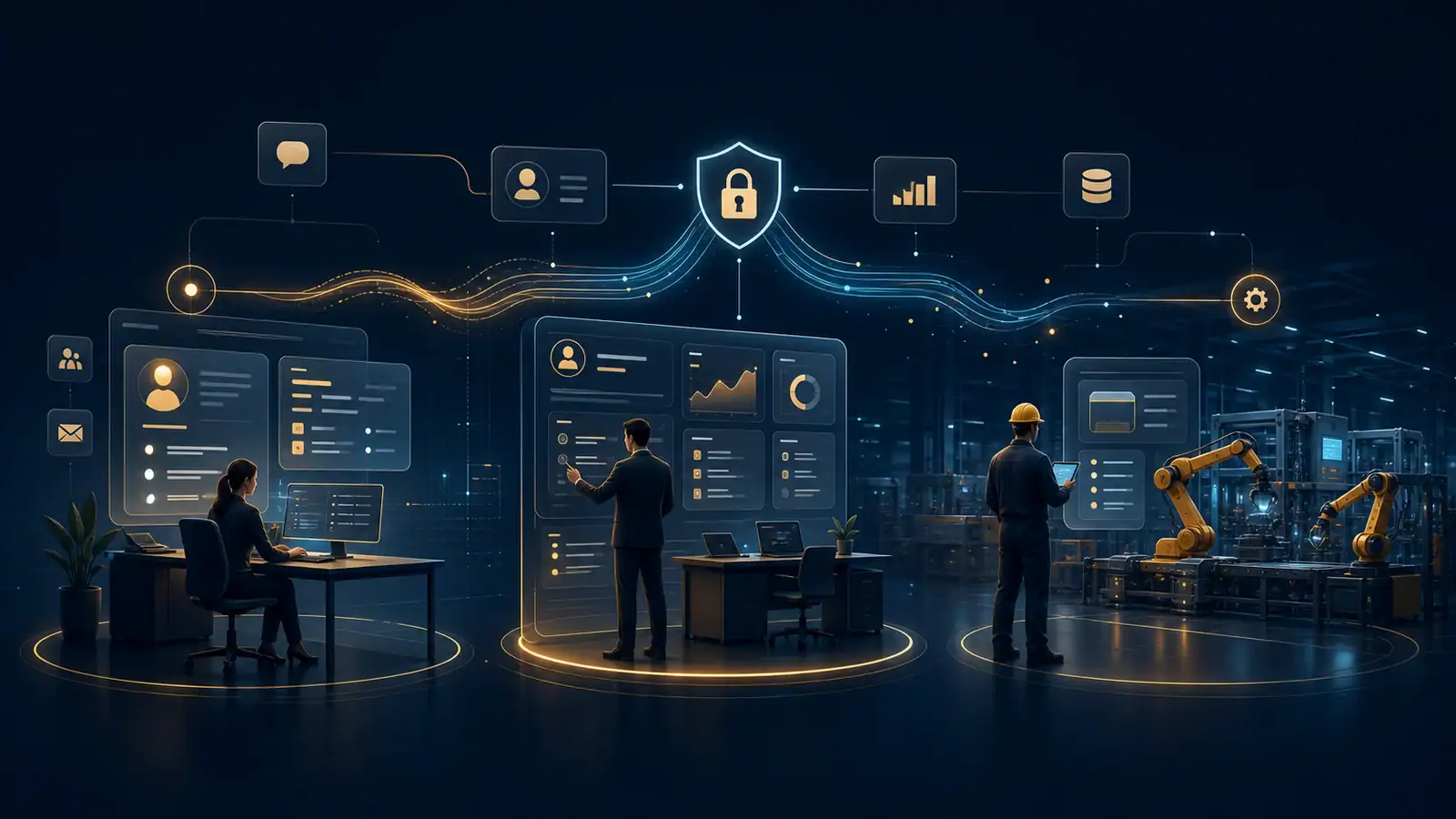
Manufacturing CRM selection checklist
Common reasons manufacturing CRM projects fail
- Rebuilding old spreadsheets inside the CRM: the team imports ambiguity instead of clarifying the process.
- Automating too early: a poorly defined follow-up simply becomes a faster error.
- Confusing visibility with control: the system should help employees, not monitor every action.
- Synchronizing the entire ERP: data volume increases while comprehension falls.
- Ignoring exceptions: urgent requests, multi-site accounts, prototypes, and deferred projects still need a clear path.
- Launching without a business owner: software cannot make commercial policy decisions for the manufacturer.
Questions to ask before signing
- Portability: can you export accounts, contacts, opportunities, activities, and attachments in usable formats?
- True integration cost: which ERP flows, limits, maintenance tasks, and recurring costs are included?
- Ownership: who owns the custom development, automation rules, and documentation?
- Exit terms: what timelines, fees, and responsibilities apply if you change platform or provider?
A controlled four-step rollout
- Map the current path: take three to five real inquiries and trace their files, decisions, and handoffs.
- Configure one pilot workflow: keep stages, fields, roles, and automation to the minimum needed.
- Test the operational handoff: confirm that a won quote sends the useful context to operations and nothing more.
- Measure before expanding: fix friction before adding teams, channels, or dashboards.
This sequence treats CRM implementation as an operating-model change rather than a software installation. A practical success test is simple: an important inquiry should remain understandable and actionable when its usual owner is unavailable.
Frequently asked questions
Can a manufacturing CRM replace an ERP?
Usually not. The CRM organizes relationships, opportunities, and commercial follow-up. The ERP remains the operational reference for orders, inventory, planning, production, or accounting according to your architecture.
Do small manufacturers need an industry-specific CRM?
Not necessarily. A configurable CRM can work when the process, fields, permissions, and integrations are well defined. A specialized system becomes valuable when recurring requirements cannot be handled cleanly without fragile customization.
Which fields belong on a manufacturing RFQ?
Start with the account, contact, facility, requirement type, indicative quantity or scope, required date, document link, owner, stage, and next action. Add technical detail only when it supports a commercial decision or operational handoff.
How can we prevent duplicates from forms, email, and manual entry?
Use explicit matching rules such as company domain, professional email, facility, and inquiry reference. Keep a human review queue for ambiguous matches.
Which automation should a manufacturer implement first?
Assignment and a visible follow-up task after a qualified inquiry are often a sensible starting point. The workflow should be testable and reversible before more complex sequences are added.
Review your website before deciding what to improve
Start with a free assessment of the visible obstacles in your website and enquiry journey.
For businesses with 5 to 40 employees. Free, with no obligation.